
Free online booking and scheduling for solo and small service businesses
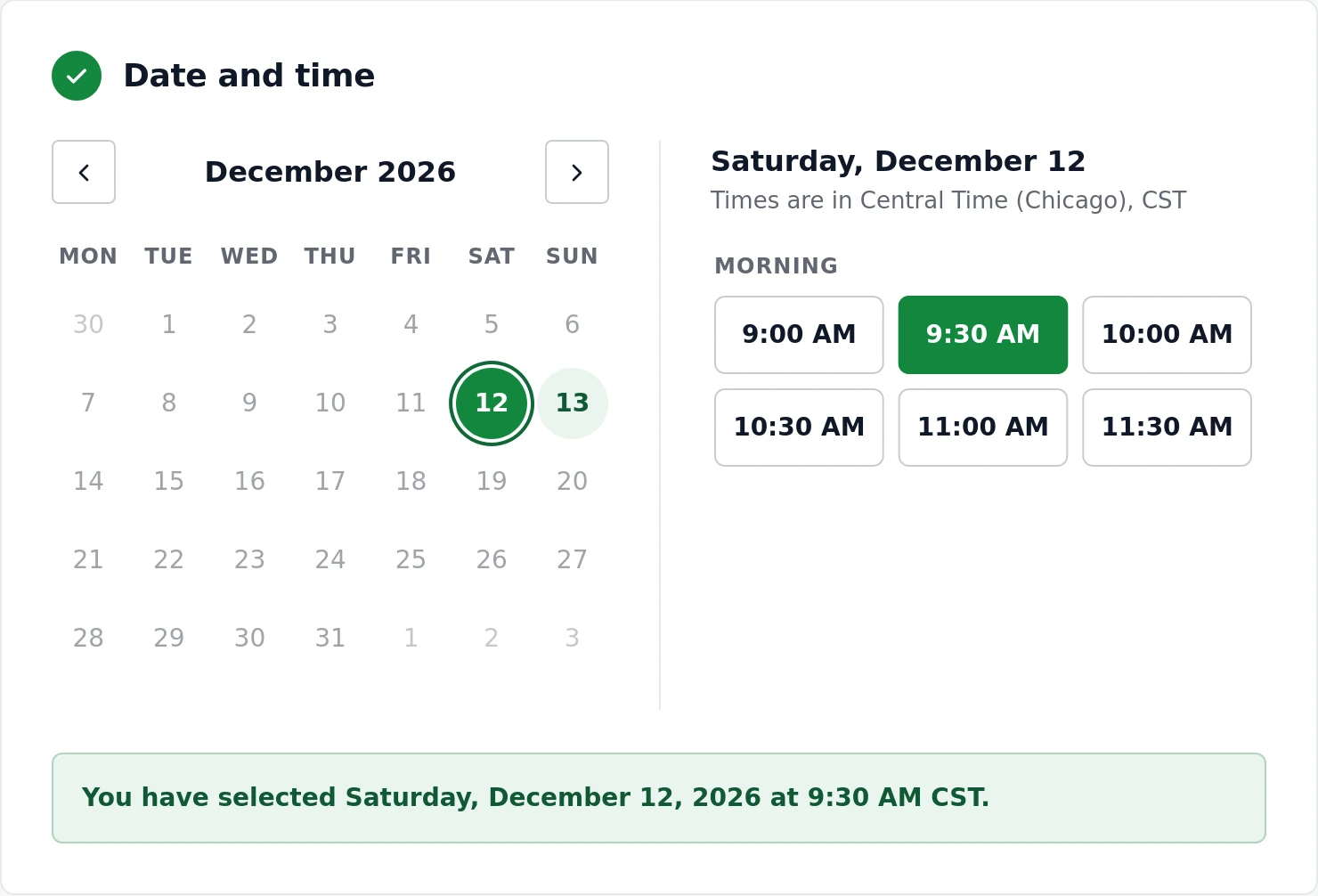
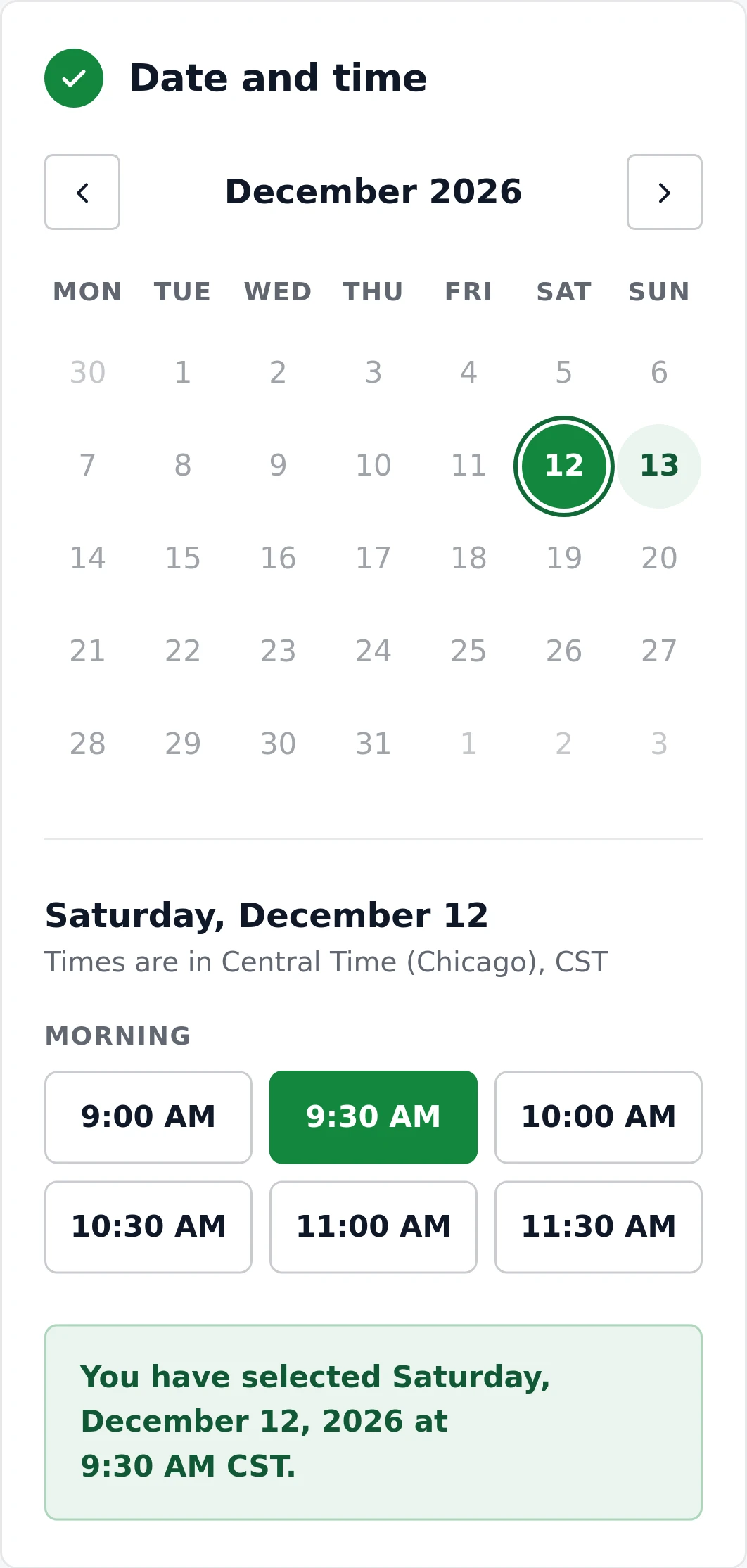
Pick a Saturday at the park, set 9 to noon and 20-minute sessions. Clients see only that day, book the spots, and each one fills as it's booked.
No list of dates to send around, no back-and-forth over who gets 9:30.
Any service you offer on a few set days instead of every week.
Holiday minis by the tree, fall minis at the orchard, a Mother's Day morning in the studio.
A bridal trial day, or prom-day appointments at the salon you rent for the day.
A barber, nail tech or tattoo artist at a market, a festival or a guest spot in another city.
Exam-prep slots the weekend before finals.
Free fitness assessments on the opening day of a new class.
Photos with Santa for dogs, or a nail-trim clinic at the pet store.
In the service's own editor. Free on every plan.
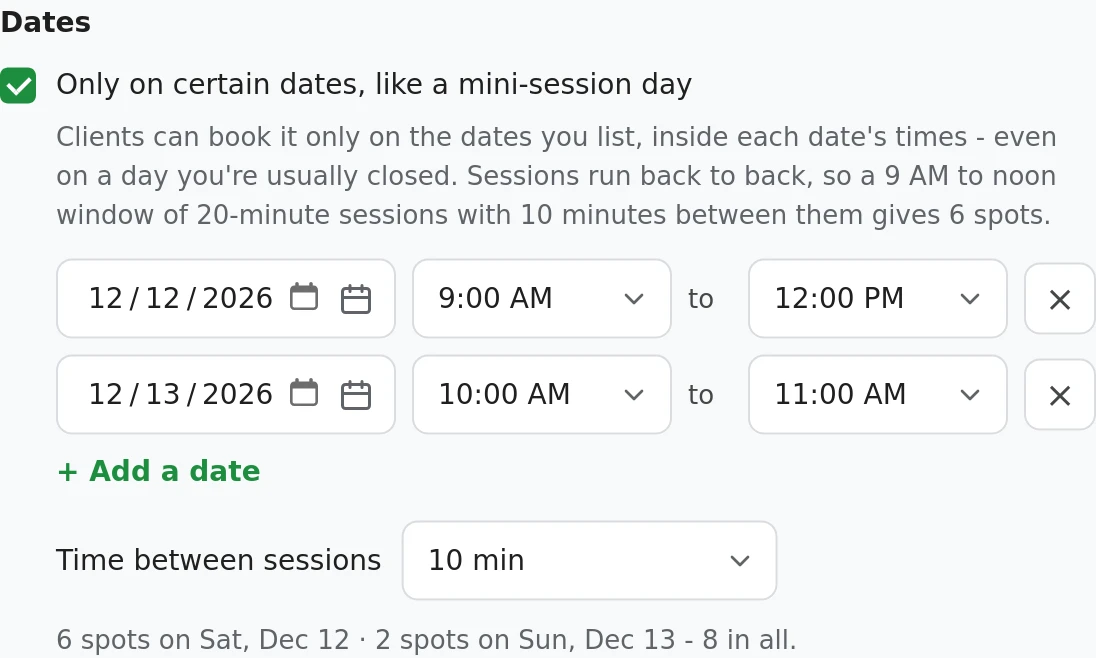
On its dates, the service follows the times you give it, so a Saturday works even if you're normally closed Saturdays. Time off you've blocked still applies, and so do your minimum notice and how far ahead clients can book. Your other services keep your normal hours.
The service comes off your booking page by itself. Add new dates when you plan the next one, and it's back.
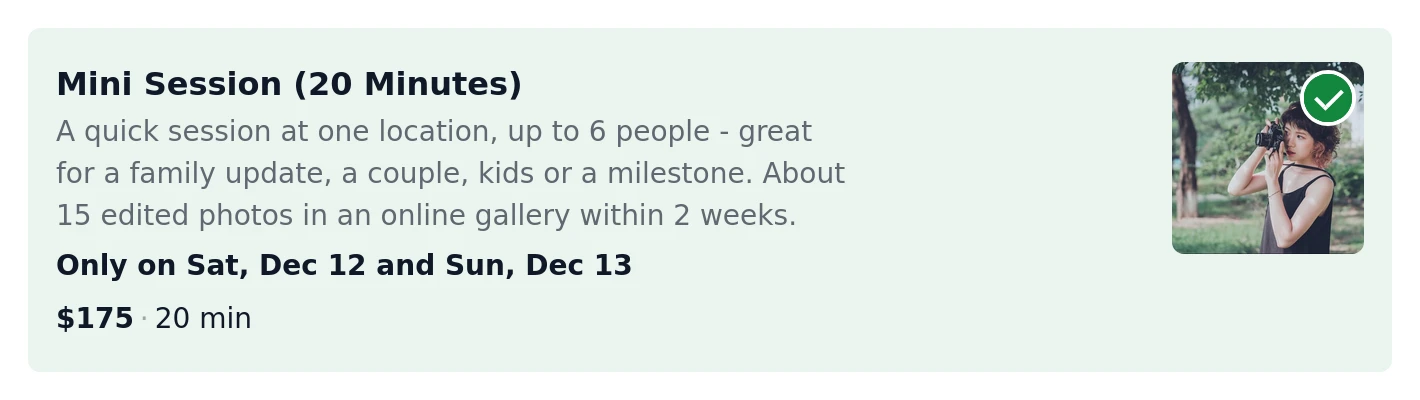
Set the price, the length and what's included in the description - "15 edited photos in an online gallery within 2 weeks". Take a deposit or full payment to hold the spot, and add add-ons like extra edited photos. Full details are in the help center.
As many as fit back to back. A 9 AM to noon window with 20-minute sessions and 10 minutes between them gives 6: 9:00, 9:30, 10:00, 10:30, 11:00 and 11:30. The editor counts them for you as you type.
Yes. On its dates the service follows the times you give it, not your weekly hours - a Saturday works even if you're closed Saturdays. Time off you've blocked still applies.
Yes - a morning and a late afternoon, for example. Add the same date twice with different times. They can't overlap.
It's gone from your booking page straight away. If two people go for the same spot at the same moment, only the first one gets it and the other is asked to pick another time.
If you let clients reschedule online, they can only move to another open spot on the service's own dates.
Yes. Card payments and deposits work the same as on any other booking.
The service comes off your booking page by itself. Add new dates to bring it back - the next mini-session day, the next season.
It's free on every plan.
Works well with: Booking for photographers, Deposits, Instant booking, Appointment reminders, Online rescheduling, Several days at once.
Sign up here and pick your type of business in setup - your page starts set up for it. You can change anything later.