
Free online booking and scheduling for solo and small service businesses
Show your booking page at book.yourbusiness.com or yourbusiness.com instead of a 1minutebooking.com link. Add a DNS record where you bought your domain, and we set up https forYou add one DNS record, and we set up https for you.nbsp;you.
Clients see your name in the address bar, and the link on your van, cards and flyers is one you can say out loud.
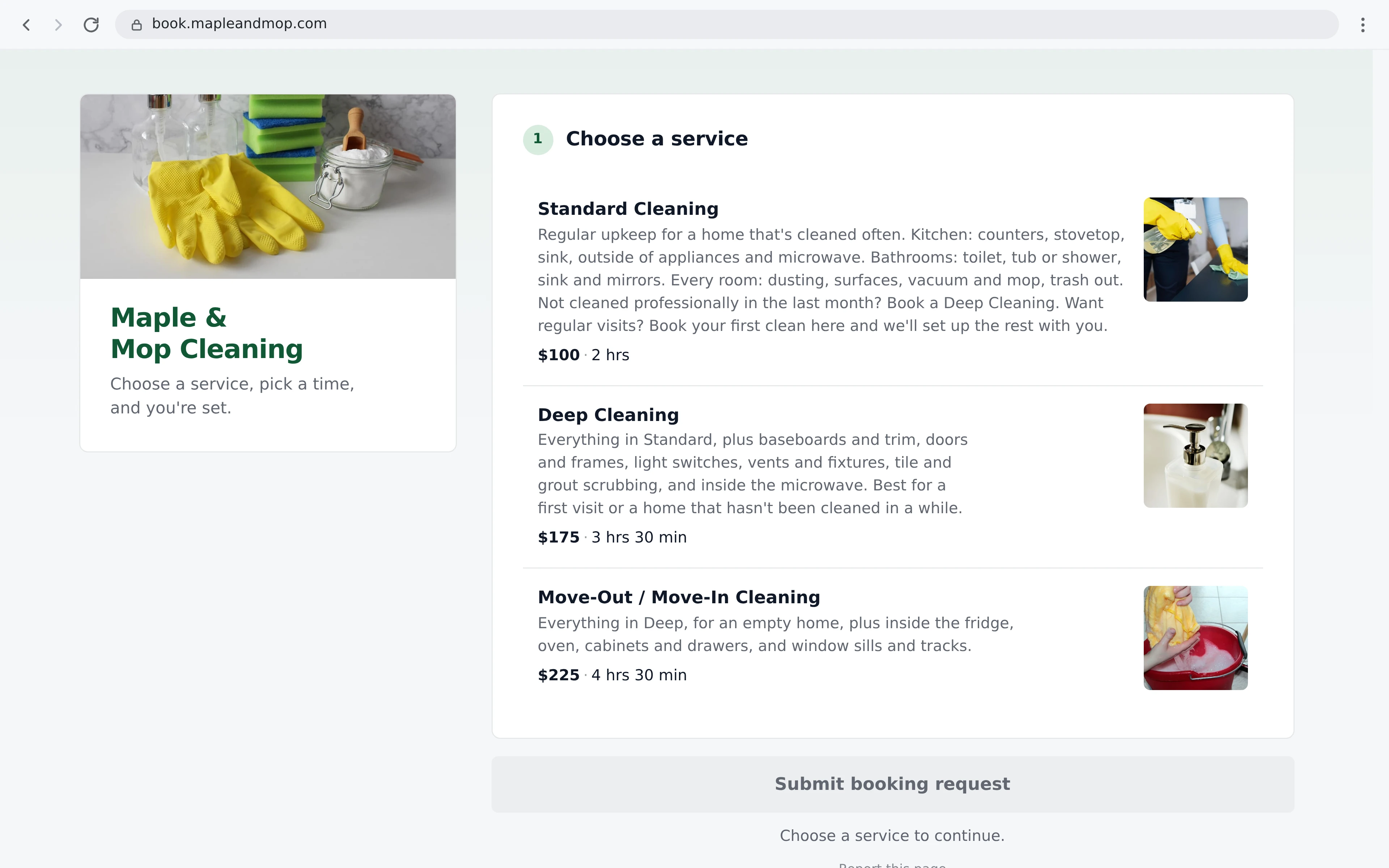
It's the same booking page: your services, add-ons and prices, open times, booking questions, quote requests with photos and deposits by card. Only the address changes.
www.You need a domain from any domain company: GoDaddy, Namecheap, Squarespace, Cloudflare or another. Setup takes a few minutes.
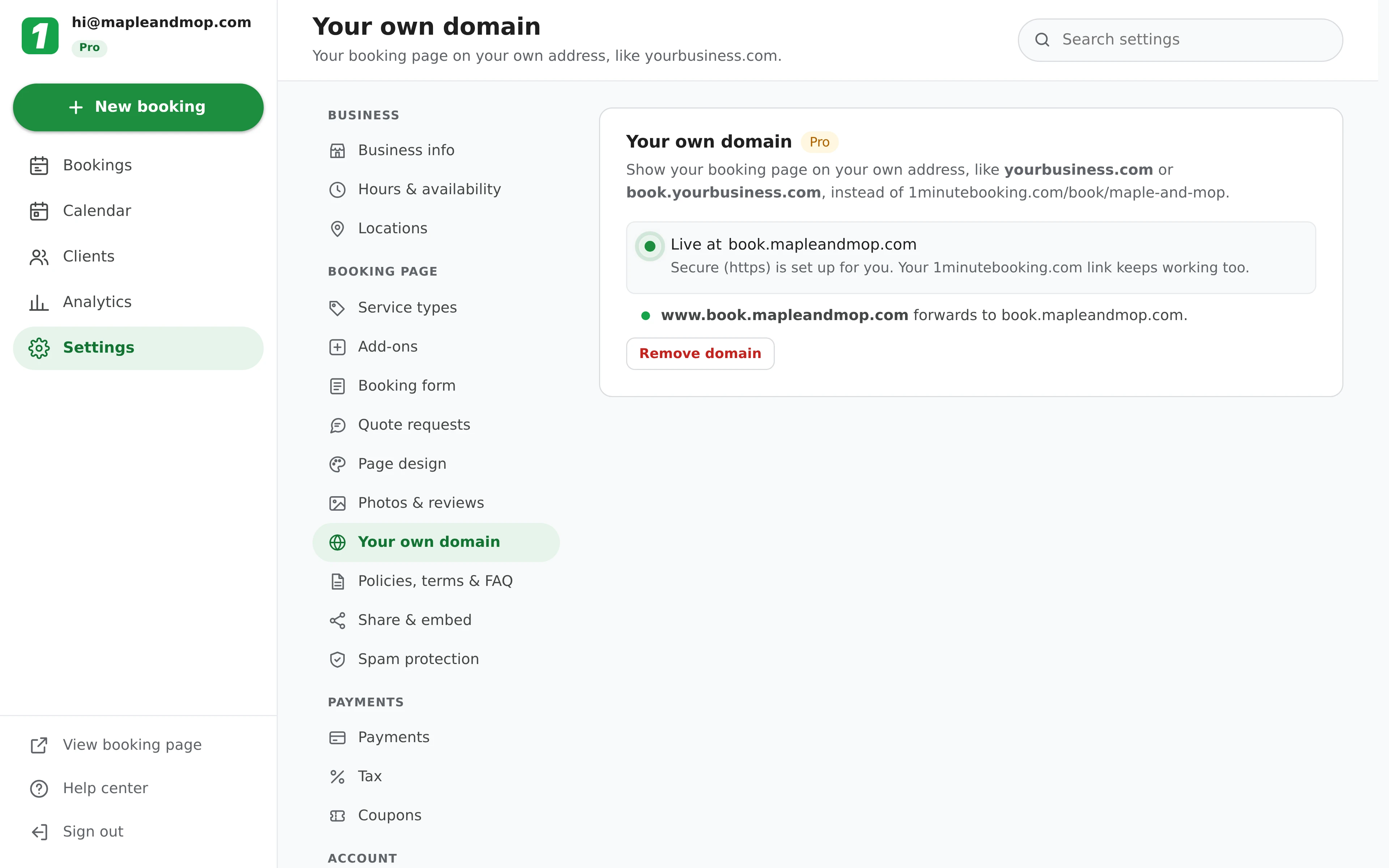
Go to Settings > Your own domain, type the address you want, like book.yourbusiness.com, and click Connect.
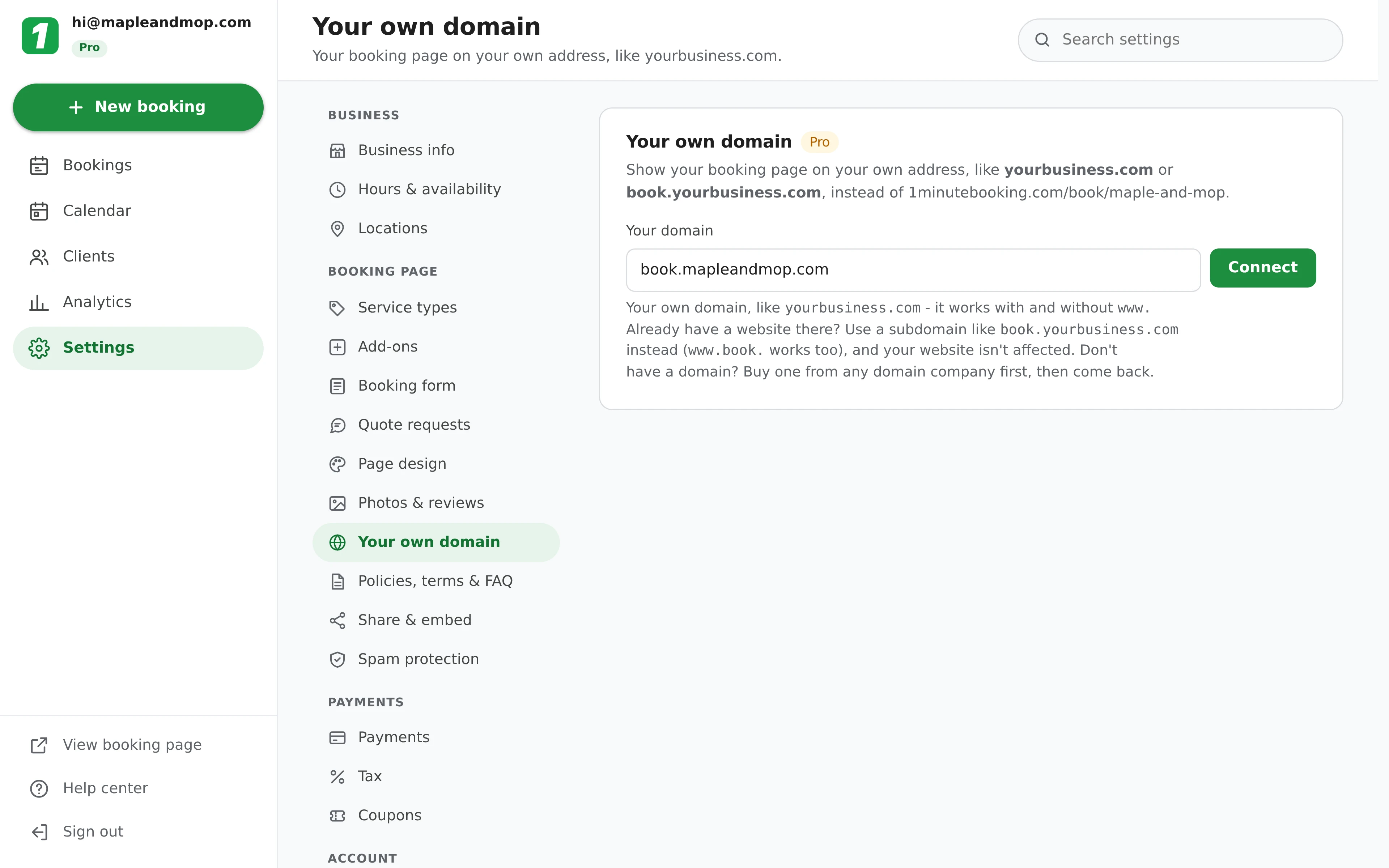
Settings shows the exact record to add, with a Copy button. Open your domain company's website, find DNS for your domain and add it:
| Type | Name | Points to |
|---|---|---|
| CNAME | book | domains.1minutebooking.com |
| CNAME | www.book (optional) | domains.1minutebooking.com |
Some domain companies ask for the full name (book.yourbusiness.com) instead of just book. Leave TTL on Auto, or pick the lowest offered. On Cloudflare, set the records to DNS only (grey cloud).
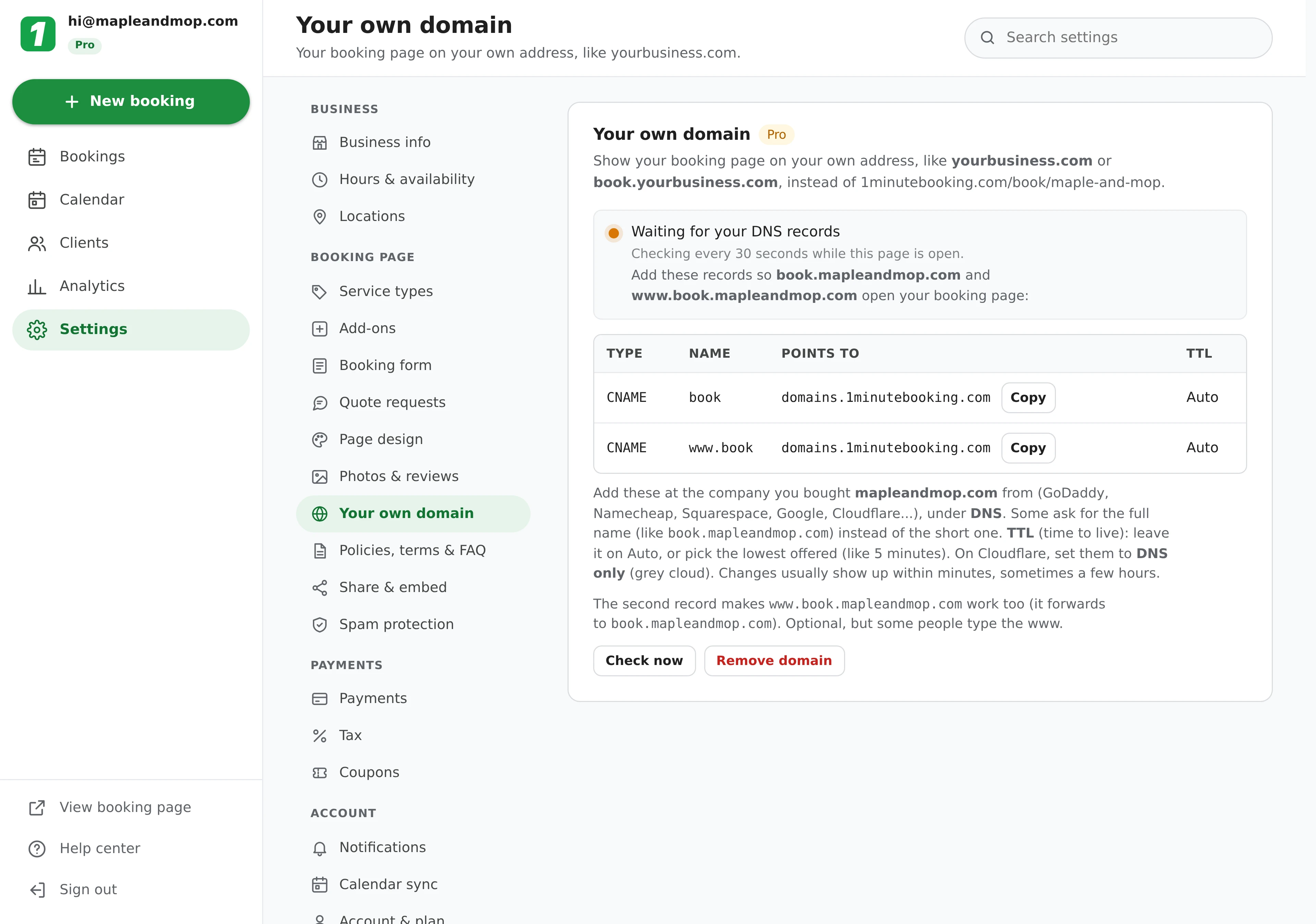
Records usually show up within minutes, sometimes a few hours. Once yours does, the secure https certificate is set up for you and Settings says Live. Share your new address anywhere you share your booking link.
Both work. Which one fits depends on whether your domain already has a website on it.
book (any name works, like booking or schedule), and your website and email aren't affected. Then link your site's "Book now" buttons to it.www.yourbusiness.com, and yourbusiness.com forwards to it. Settings shows two records: a CNAME named www and an ALIAS (or ANAME) record named @. If your DNS company has no ALIAS record, use its free domain forwarding to send yourbusiness.com to https://www.yourbusiness.com instead.Not sure if you need a website at all? See whether you need a website yet. Prefer to keep clients on the site you have? Add the booking widget instead, or as well.
The certificate is issued and renewed for you. There's nothing to buy or install.
Your 1minutebooking.com link, QR codes and profile buttons still open your page.
With card payments on, they're set up on your domain too, through your own Stripe account.
Your domain shows your booking page and nothing else. Signing in and your dashboard stay on 1minutebooking.com.
Your page on your own domain can be listed by Google under your business's address.
If Pro ends, your domain forwards visitors to your 1minutebooking.com page for 30 days before it's removed.
Yes, with a paid Pro subscription ($10/month). Your page opens on your own address, like book.yourbusiness.com or yourbusiness.com, instead of 1minutebooking.com/book/your-page. Type the domain in Settings > Your own domain, add the DNS record it shows at your domain company, and Settings says Live once it's ready.
Not if you use a subdomain like book.yourbusiness.com. Only a record named book is added, so yourbusiness.com and your email keep working exactly as before.
For book.yourbusiness.com: a CNAME named book pointing to domains.1minutebooking.com, plus an optional one named www.book. For the whole domain: a CNAME named www and an ALIAS (or ANAME) record named @, both pointing to domains.1minutebooking.com. If your DNS company has no ALIAS record, use its free forwarding to send yourbusiness.com to https://www.yourbusiness.com. On Cloudflare, set the records to DNS only (grey cloud).
No. Once your record shows up, the secure https certificate is set up and renewed for you.
Usually a few minutes after you add the record, sometimes a few hours, depending on your domain company. Settings checks by itself while it's open and says Live when your page is ready.
Yes. Links you've already shared, QR codes and your Google and Instagram buttons keep working.
No. Your own domain starts once you subscribe to Pro, so an address you print or share never stops working when a trial ends. If your Pro subscription ends, the domain sends visitors to your 1minutebooking.com page for 30 days, then it's removed.
Yes. Use your domain company's free forwarding (sometimes called a redirect) to send yourbusiness.com to your booking link. Visitors who type your domain land on your booking page, but the address bar then shows your 1minutebooking.com link.
Sign up here and pick your type of business in setup - your page starts set up for it. You can change anything later.