

Free online booking and scheduling for solo and small service businesses
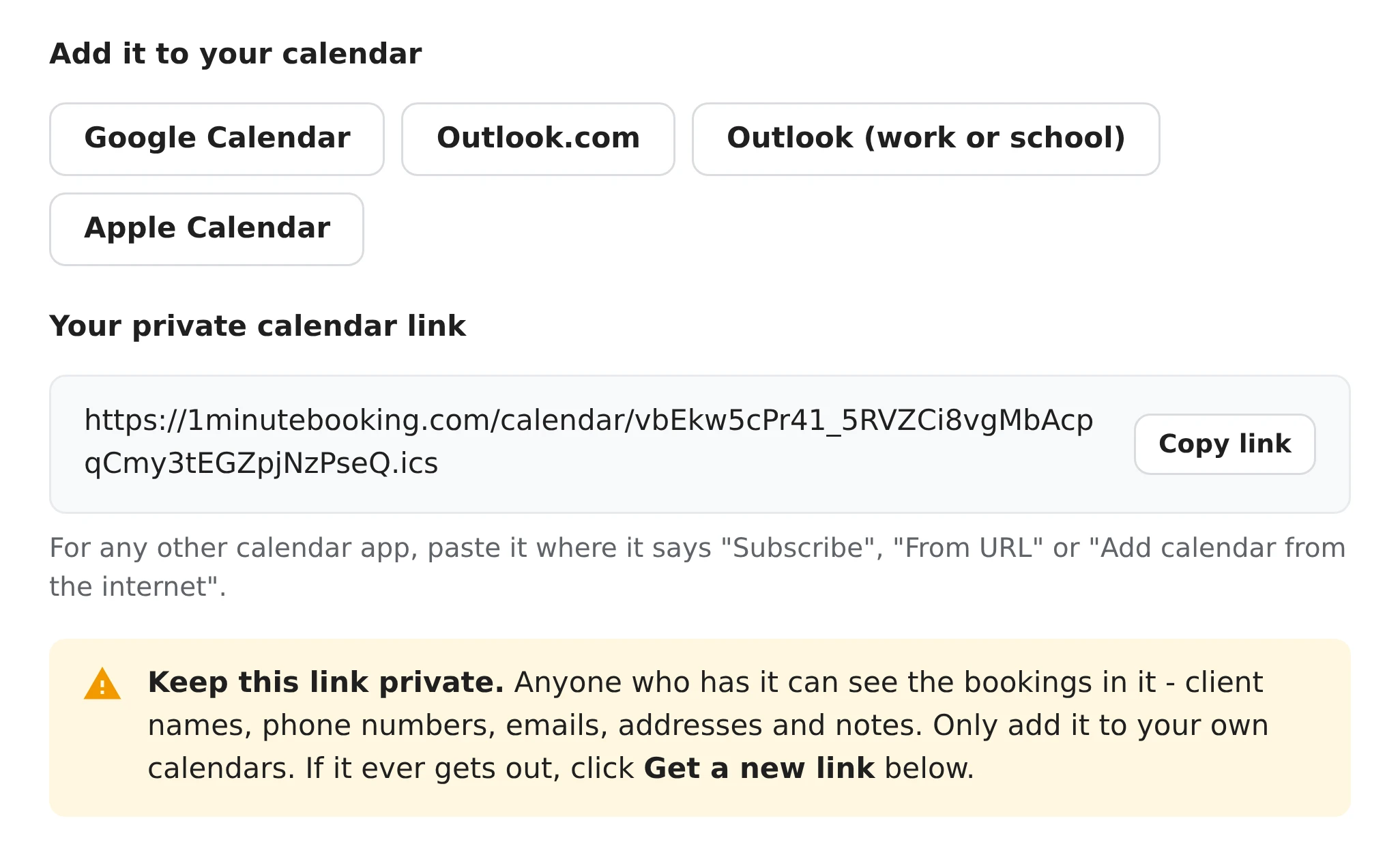
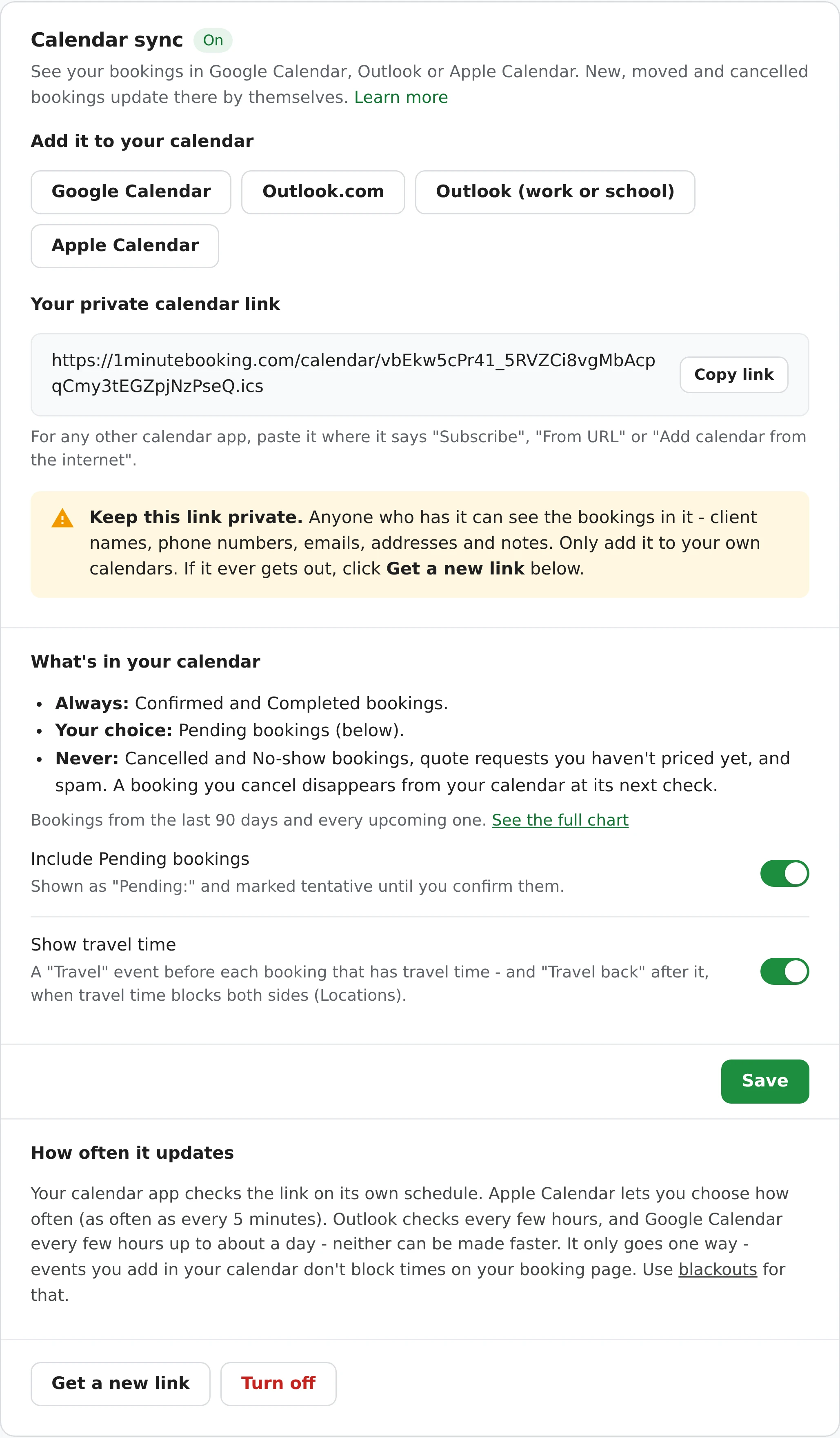
Add one private link to your calendar and every booking shows up there. New, moved and cancelled bookings update by themselves.
Set it up once, in about a minute. After that there's nothing to do.
Each booking is an event with everything you need for the job.
Titled like "Haircut - Marcus Reed", at the right time and length in your time zone.
The booking's address is the event's location, so your phone can give directions.
Phone, email, services, add-ons and the client's notes in the event's description.
Opens it in your 1MinuteBooking dashboard, to confirm, move or mark it paid.
Shown as "Pending:" and tentative until you confirm them - or left out, if you prefer.
A "Travel" event before a booking that has travel time, and "Travel back" after it when you block both sides.
| Booking status | In your calendar? |
|---|---|
| Confirmed | Always |
| Completed | Always |
| Pending | Your choice (on by default). Titled "Pending:" and marked tentative until you confirm it. |
| Cancelled | Never. Removed from your calendar at its next check. |
| No-show | Never |
| Quote request (not priced yet) | Not yet. It shows once you price it and it's Pending or Confirmed. |
| Spam | Never |
Bookings from the last 90 days and every upcoming one are included. When you cancel or move a booking, your calendar removes or moves it at its next check.
Pick what goes in, and replace or switch off the link whenever you like.
Full details are in the help center.
Yes. It works with any calendar app that can subscribe to a calendar by its web address (an iCal or .ics link): Google Calendar, Outlook.com, Outlook for Microsoft 365, Apple Calendar on Mac, iPhone and iPad, Thunderbird and others.
That's up to your calendar app - it checks the link on its own schedule. Apple Calendar lets you choose how often, as often as every 5 minutes. Outlook checks every few hours, and Google Calendar every few hours up to about a day; neither can be made faster. Your 1MinuteBooking dashboard always shows new bookings straight away.
No, it goes one way: bookings go into your calendar. Events you add in your calendar don't block times on your booking page - add a blackout in Settings for that. Changing or deleting an event in your calendar doesn't change the booking either; do that in 1MinuteBooking and your calendar follows.
Confirmed and Completed bookings, and Pending ones marked "Pending:" unless you switch them off - from 90 days ago onward. Cancelled and No-show bookings, quote requests you haven't priced yet and spam are never included. When a booking is cancelled or moved, your calendar removes or moves it at its next check.
Only someone who has your link. It's a long random address that can't be guessed, but anyone who has it can see the bookings in it - client names, phone numbers, emails, addresses and notes - so only add it to your own calendars. If it gets out, click Get a new link: the old one stops working straight away.
Yes. On an iPhone or iPad, tap Apple Calendar in Settings > Calendar sync. For Google Calendar, tap Google Calendar there - it opens Google Calendar with your link filled in, on your phone or a computer.
Add to Calendar copies one booking into your calendar once - if the booking moves later, that copy doesn't. Calendar sync keeps every booking in your calendar and keeps it up to date.
Calendar sync is free on every plan.
Works well with: Instant booking, Reminders, Online rescheduling and cancelling, Repeating bookings, Travel time & fees.
Sign up here and pick your type of business in setup - your page starts set up for it. You can change anything later.