
Free online booking and scheduling for solo and small service businesses
Type in bookings from calls, texts and walk-ins, priced from your services or as a custom quote. Every client gets a profile with their history and private notes, and every job gets a receipt. Online booking is optional.
Instead of a paper diary, a notes app and a spreadsheet: today's jobs, the week ahead, what's waiting on you and who still owes you.
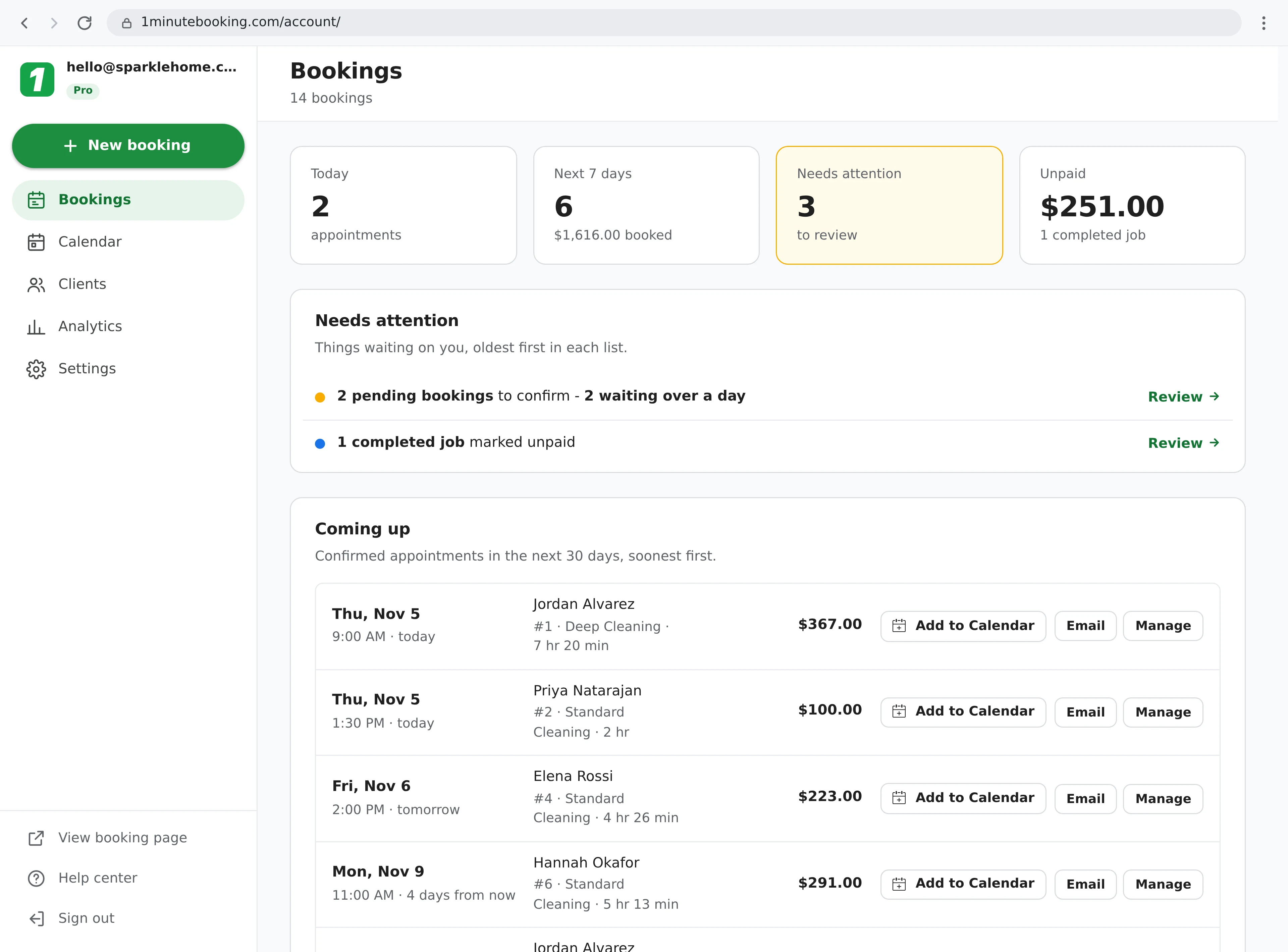
Set up your services and add-ons once. After that, a booking takes a few clicks and the price adds itself up.
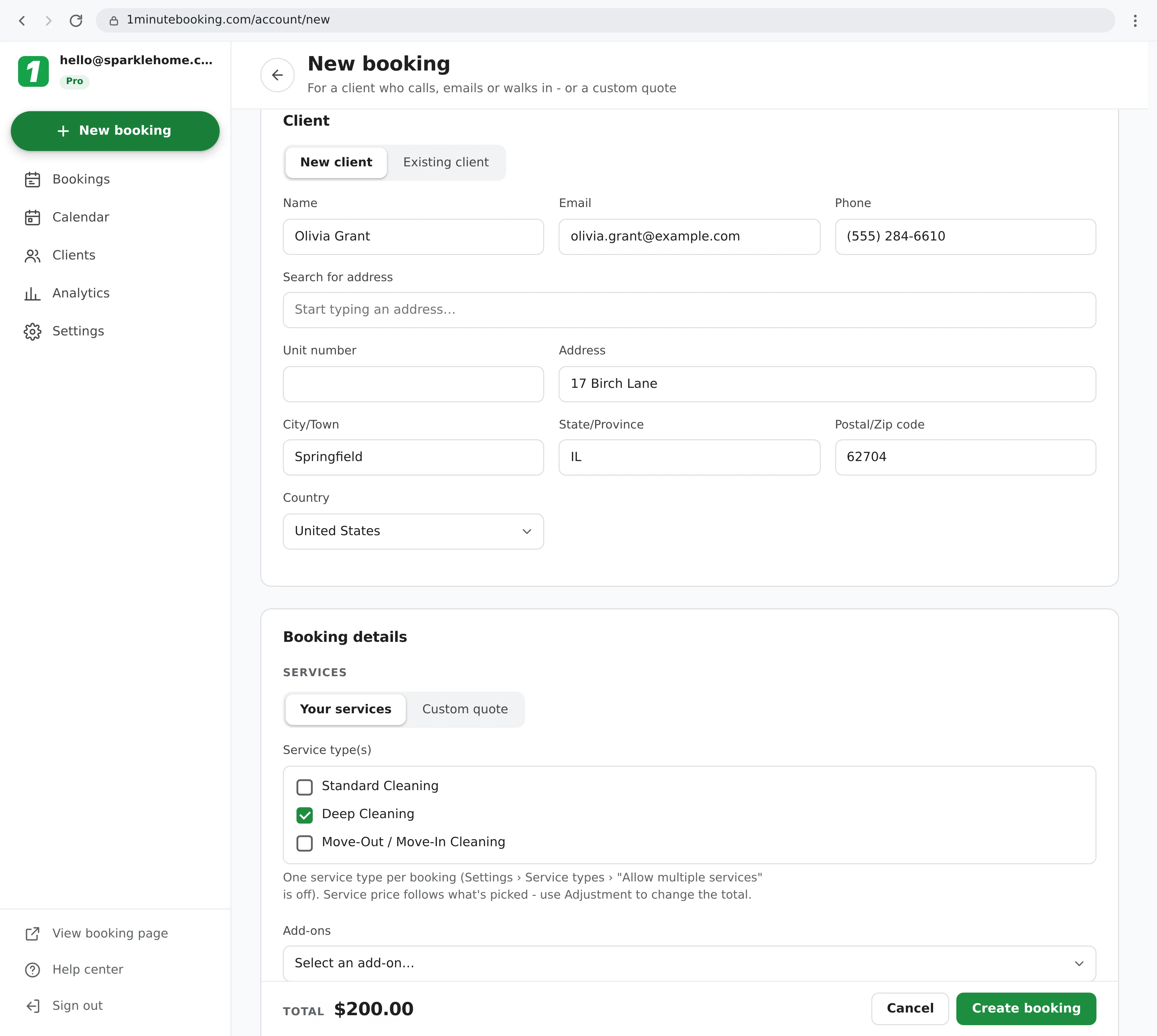
-10For a job that isn't on your price list, or one you've already quoted over the phone: describe it and type your own price.
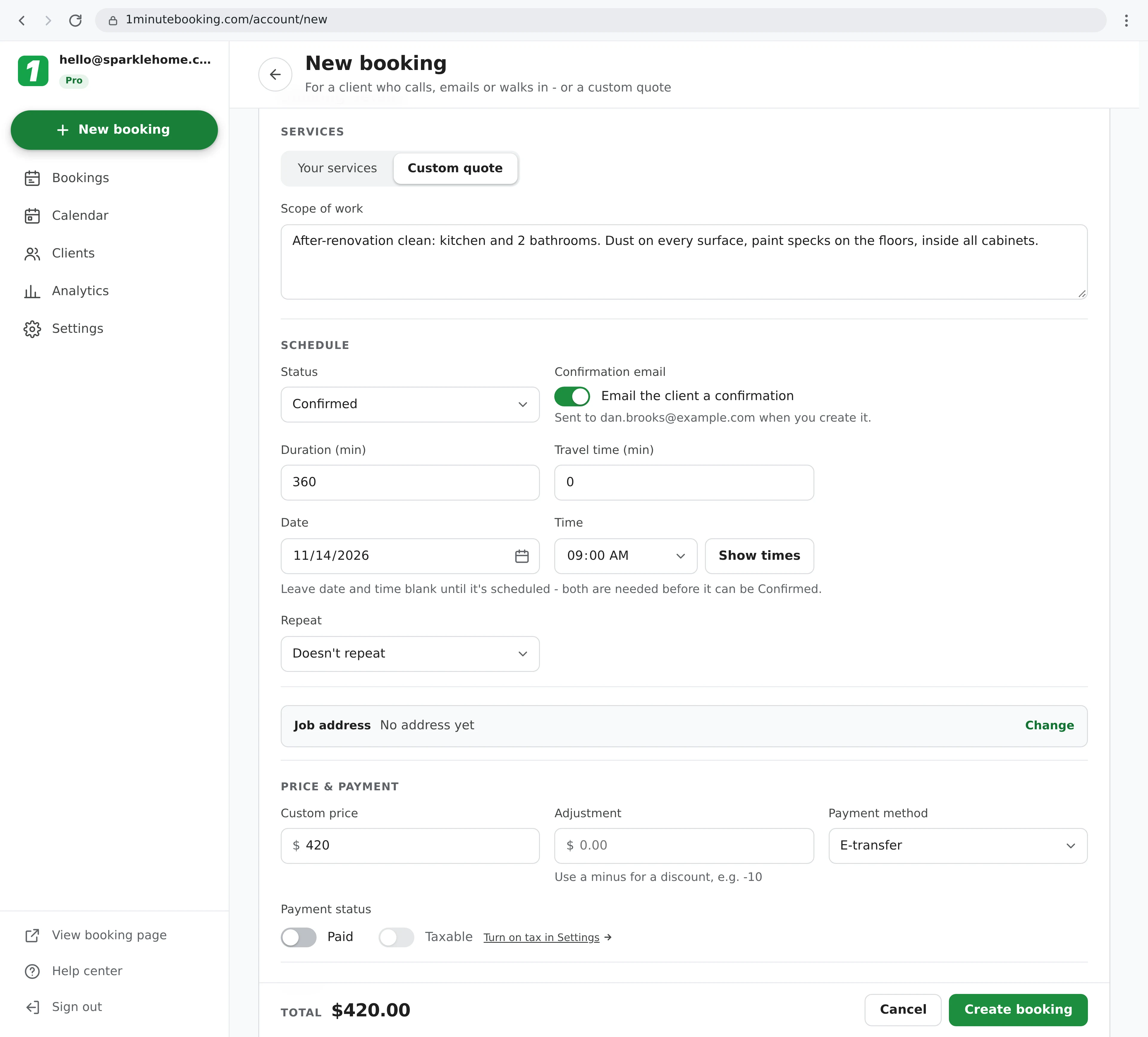
Everything you'd otherwise have to remember: how to reach them, where they live, what they like and every job you've done for them.
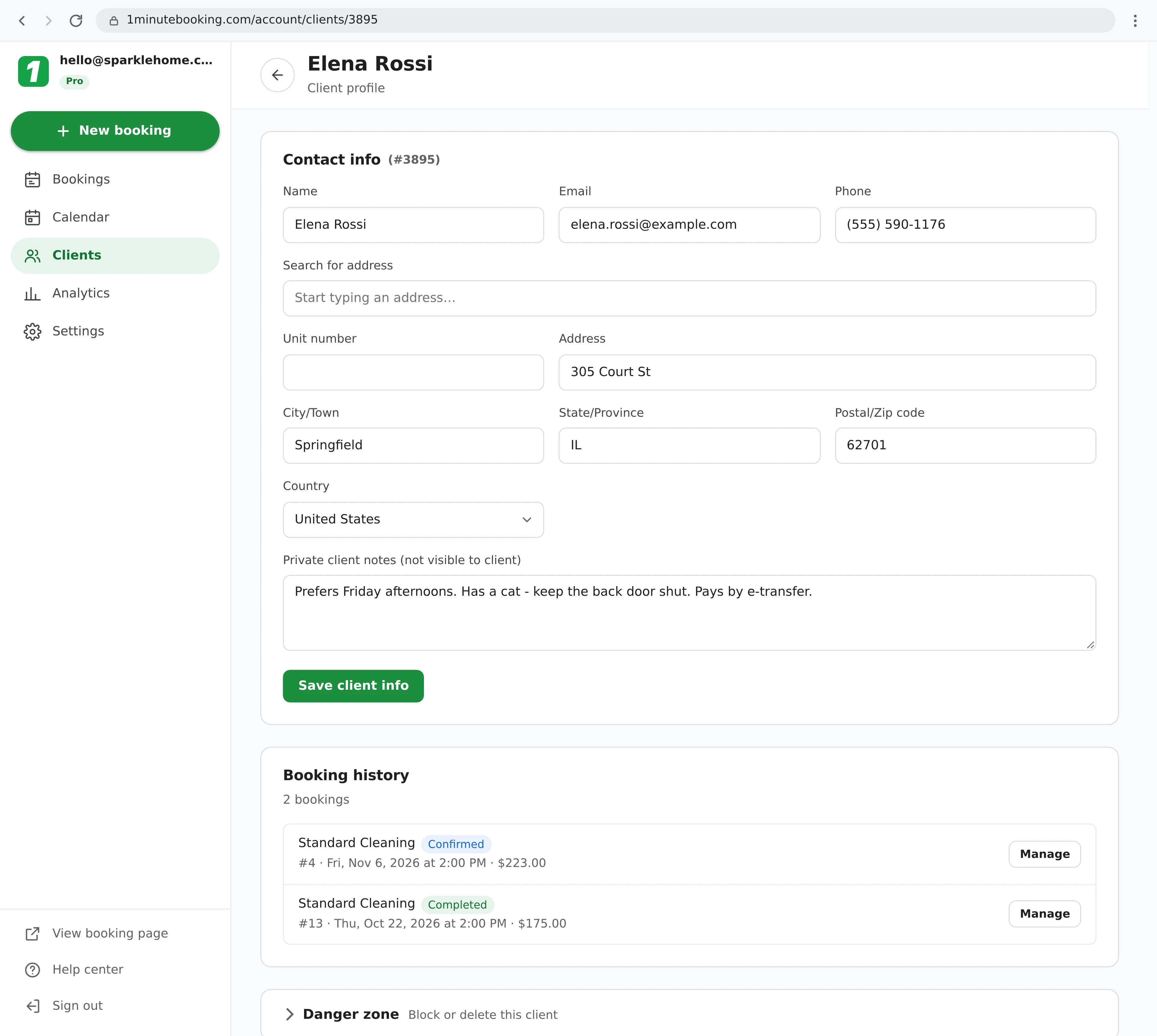
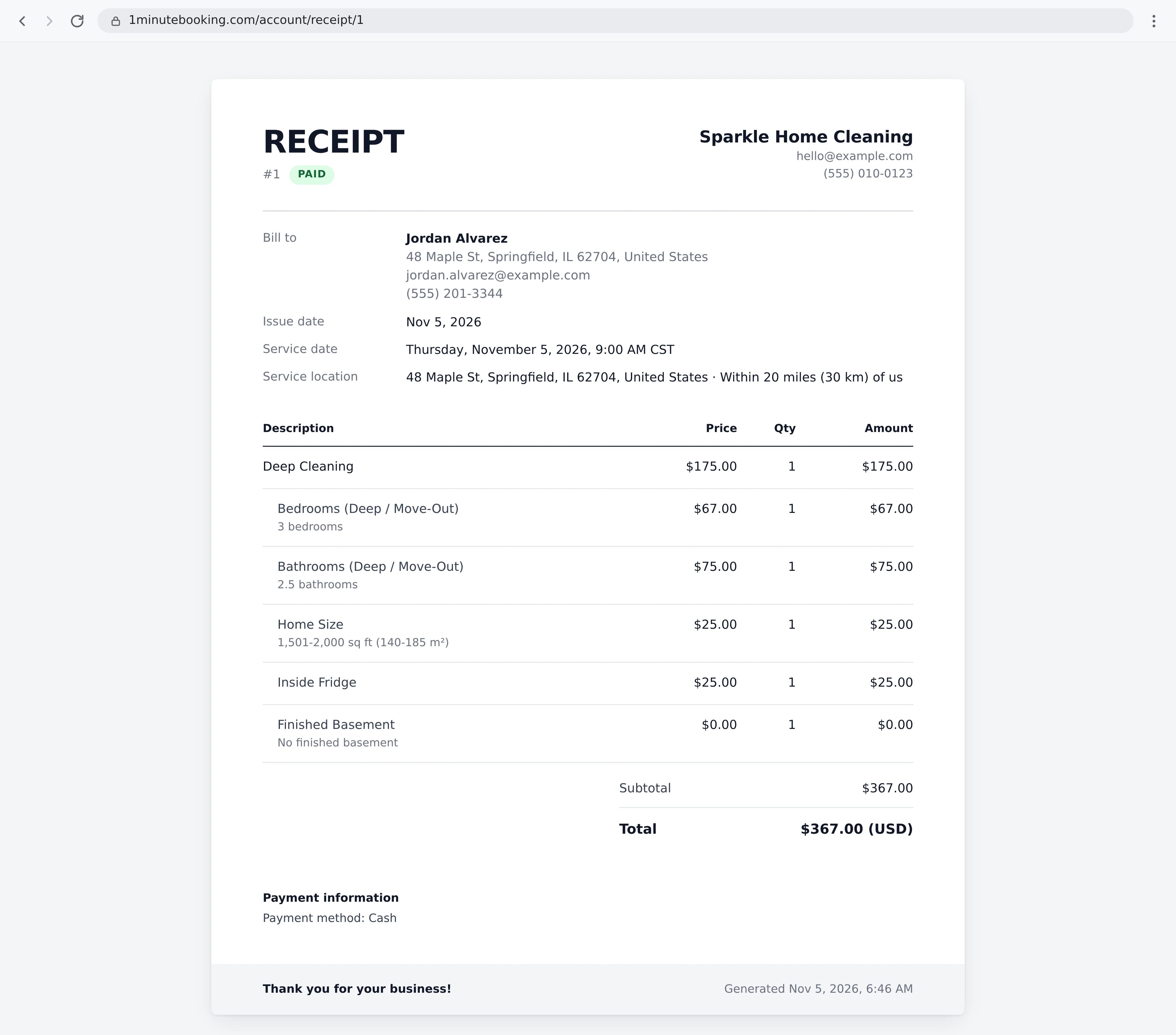
Record how each client paid, and give them a proper receipt.
With Pro, every booking you type in counts toward your revenue, busiest days and top services.
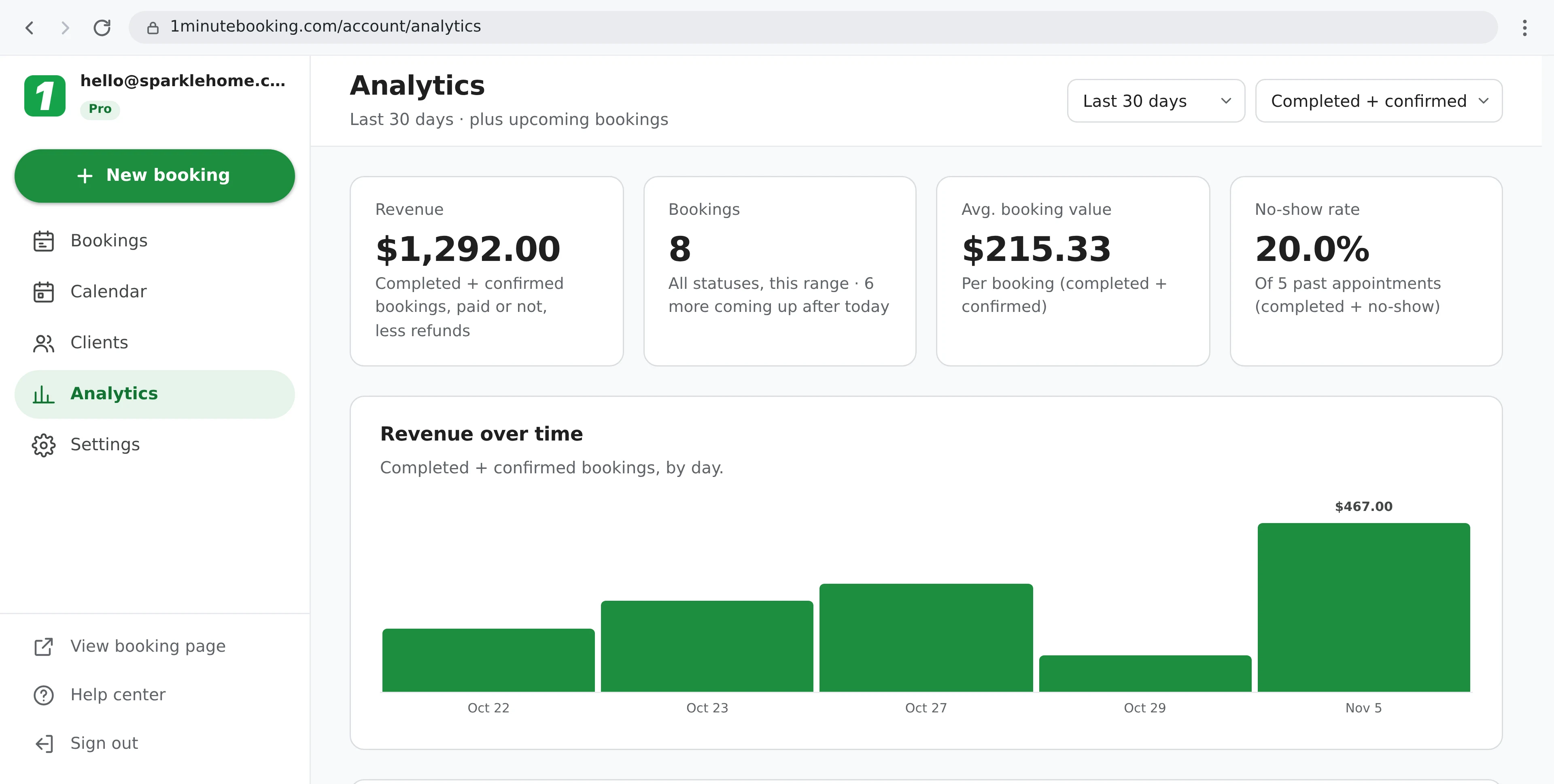
Analytics and Excel export of your bookings and clients are part of Pro, $10/month. Everything else on this page is on the free plan.
Start with just your client book. Your booking page is already set up for when you're ready.
Click Disable booking page in Settings > Business info, and nobody can book online. Turn it back on any time.
Untick Email the client a confirmation on a booking, and turn reminders on or off in Settings.
Turn on calendar sync, and every booking you type in shows up in Google, Apple or Outlook Calendar.
Share your booking link with clients who'd rather book themselves, and keep typing in the ones who call. They all land in the same book.
Yes. Type in every booking yourself from New booking, for clients who call, text, email or walk in. If you don't want clients booking online at all, click Disable booking page in Settings > Business info. Your dashboard, clients and bookings keep working as normal.
Yes. Typing in bookings, custom quotes, client profiles and notes, receipts, the calendar, repeat bookings, reminders and calendar sync are all on the free plan, with no time limit and no booking limit. Pro ($10/month) adds Analytics, Excel export and more automatic emails a day.
Yes. Switch New booking to Custom quote, describe the job in Scope of work and type your own price and duration. With Your services, the price adds itself up from the services and add-ons you pick, and Adjustment lets you add to it or take some off (use a minus for a discount).
No. A name is enough. Add an email or phone number if you have one, so you can find the client again and email them confirmations, reminders and receipts.
Only if you want them to. When you create a booking as Confirmed and the client has an email address, untick Email the client a confirmation to skip it. Reminders and thank-you emails can be turned off in Settings > Notifications.
Yes. Go to Clients and click Add client. Next time they book, pick Existing client on New booking and search by name, email or phone.
Yes. Each booking has a payment method (cash, card, e-transfer, PayPal, Cash App or cheque) and a Paid switch. The Bookings home shows what's unpaid, and every booking has a numbered receipt you can print or save as a PDF. With Stripe connected, you can also email a client a link to pay by card, and they get a receipt by email when they pay.
It's a client book built for service businesses: contacts, addresses, private notes, booking history, payments and receipts. It doesn't do sales pipelines or email marketing campaigns.
Sign up here and pick your type of business in setup - your page starts set up for it. You can change anything later.