

Free online booking and scheduling for solo and small service businesses
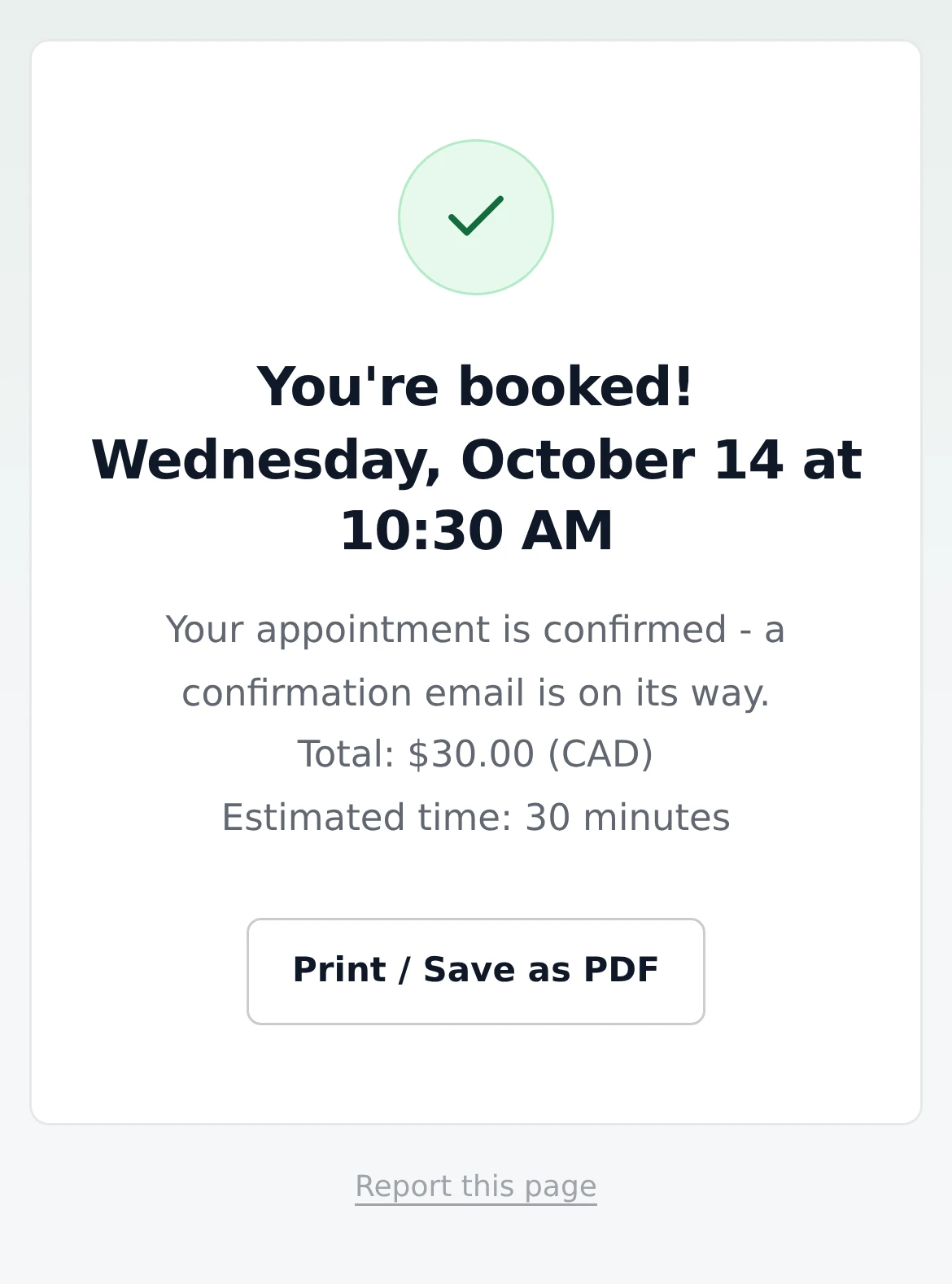
Bookings are confirmed the moment they come in, and the client gets a confirmation email straight away. Bookings that look risky still wait for you.
Clients pick a time, book, and they're confirmed. Free on every plan.
Turn it on in Settings > Hours & availability. Under the switch is Hold unverified bookings as Pending, on by default. Just below is Pending appointments block availability, which works together with Instant booking (more on that below).

You're kept in the loop - you just don't have to do anything.
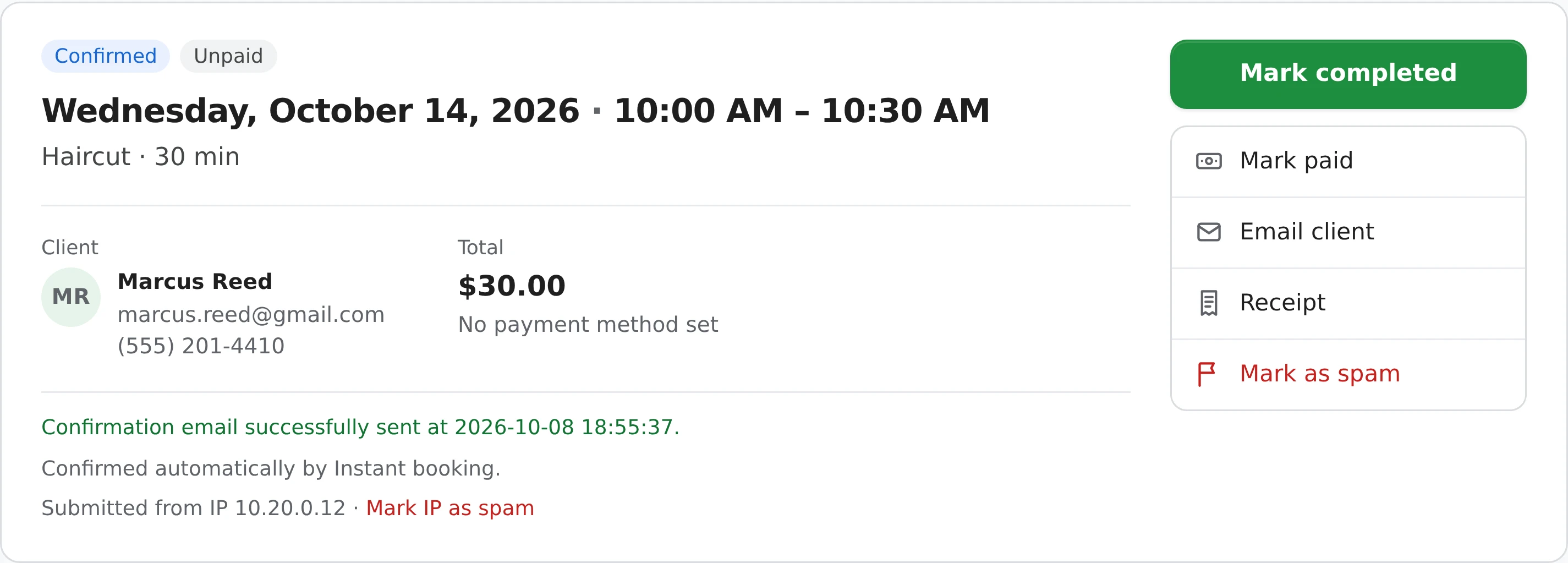
Want clients to get a nudge before the visit? Turn on appointment reminders. Want them to move their own booking? See online rescheduling.
Instant booking only confirms bookings it can trust. These still come in as a request for you - except spam, which is set aside in your Spam folder.
The client booked through a VPN, a proxy or a work network, or the check didn't finish. It waits as Pending unless they paid by card through Stripe. You can turn this off with Hold unverified bookings as Pending.
A booking that goes to Spam - a spam IP, country or word - is never confirmed. It goes to your Spam folder, not your Pending list.
If its time overlaps another booking that's still Pending, it waits too, so you choose who gets the slot.
This setting, right below Instant booking, decides whether a Pending request holds its time.
Full details are in the help center.
It suits businesses that price everything up front.
New accounts in these 19 business types start with Instant booking on:
Personal trainers, Hair salons, Barbers, Nail salons, Massage, Tutoring, Real estate agents, Mortgage brokers, Insurance agents, Music teachers, Driving instructors, Yoga instructors, Leasing agents, Car sales, Lash technicians, Estheticians, Life coaches, Tarot and psychic readers, Spray tan.
It starts off for every other type - trades, cleaning, events, pet care, creative and consulting work - where many jobs need a look or a quote before you say yes. You can turn it on or off whatever your business type.
Yes - turn Instant booking off in Settings > Hours & availability and every booking from your page comes in as Pending for you to confirm. With it on, bookings that overlap a Pending request still wait for you, and so do unverified ones unless you turn off Hold unverified bookings as Pending. Spam goes to your Spam folder.
Yes. Under Instant booking in Settings > Hours & availability, turn off Hold unverified bookings as Pending. Bookings from a VPN, proxy or work network are then confirmed like any other, and still marked Unverified in your Bookings. It's on by default, and has no effect while VPN/proxy detection is off.
Instant booking never confirms on top of a Pending request - the second booking waits as Pending and you choose. To stop a Pending request's time being offered at all, turn on Pending appointments block availability. A Confirmed booking's time is never offered to anyone else.
Yes. When you take a deposit or full payment through Stripe, the booking is confirmed once the card payment goes through. A client on an unverified connection who paid by card is confirmed too.
No. A quote request needs a price from you, so it always waits. Bookings you enter yourself with New booking aren't affected either.
Only if you let them. Turn on online rescheduling and cancelling in Settings > Policies & terms, and set how close to the appointment changes stop.
Instant booking is free on every plan. The confirmation email counts toward the daily limit of automatic emails - 5 a day on the free plan, 100 a day on Pro.
Works well with: Appointment reminders, Online rescheduling and cancelling, Repeating bookings, Rebooking, Deposits.
Sign up here and pick your type of business in setup - your page starts set up for it. You can change anything later.