

Free online booking and scheduling for solo and small service businesses
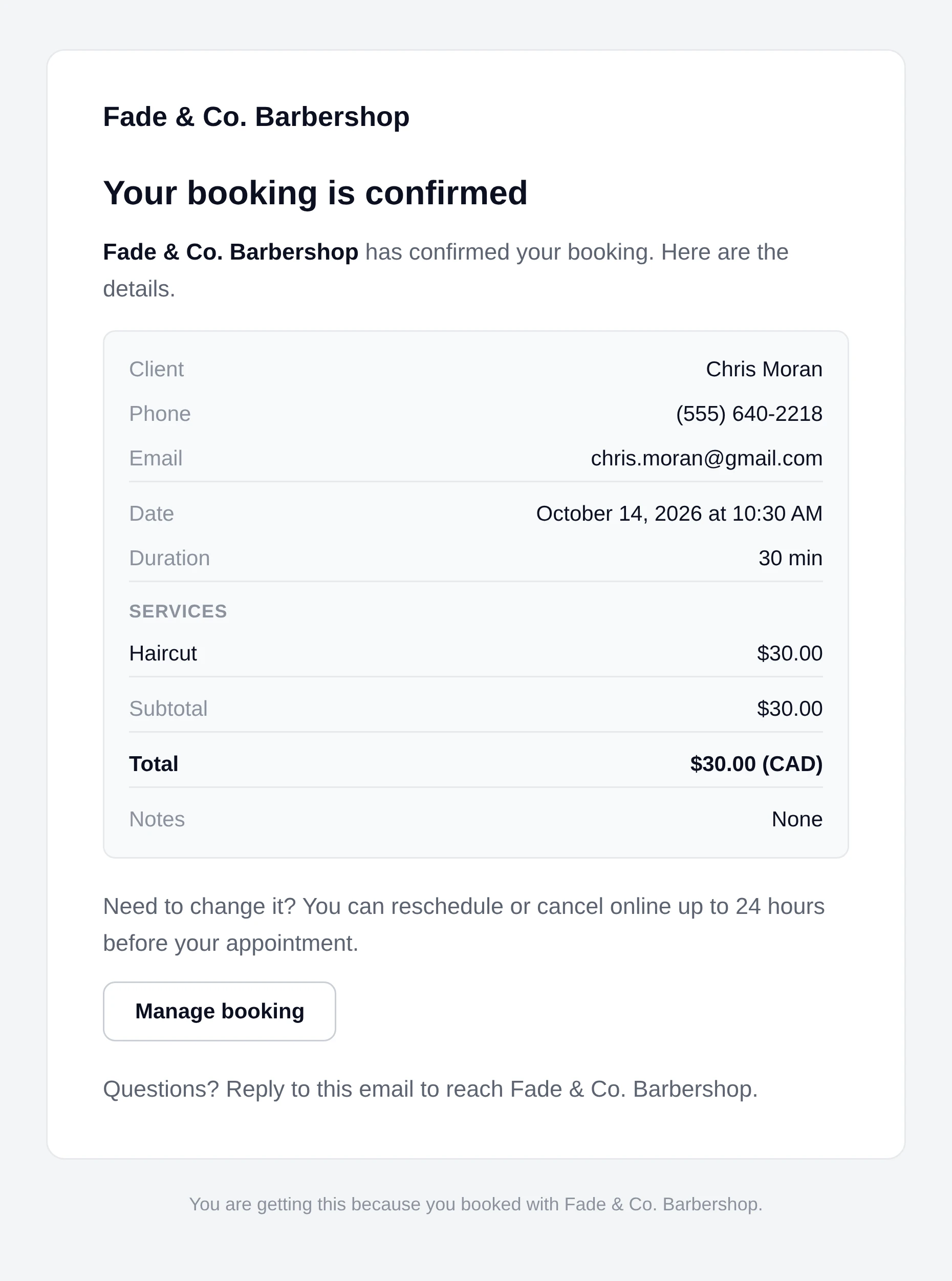
Your confirmation and reminder emails get a Manage booking button, so clients can move or cancel up to a cutoff you set. You get an email for every change.
Clients change their own booking from the email you already send. Free on every plan.
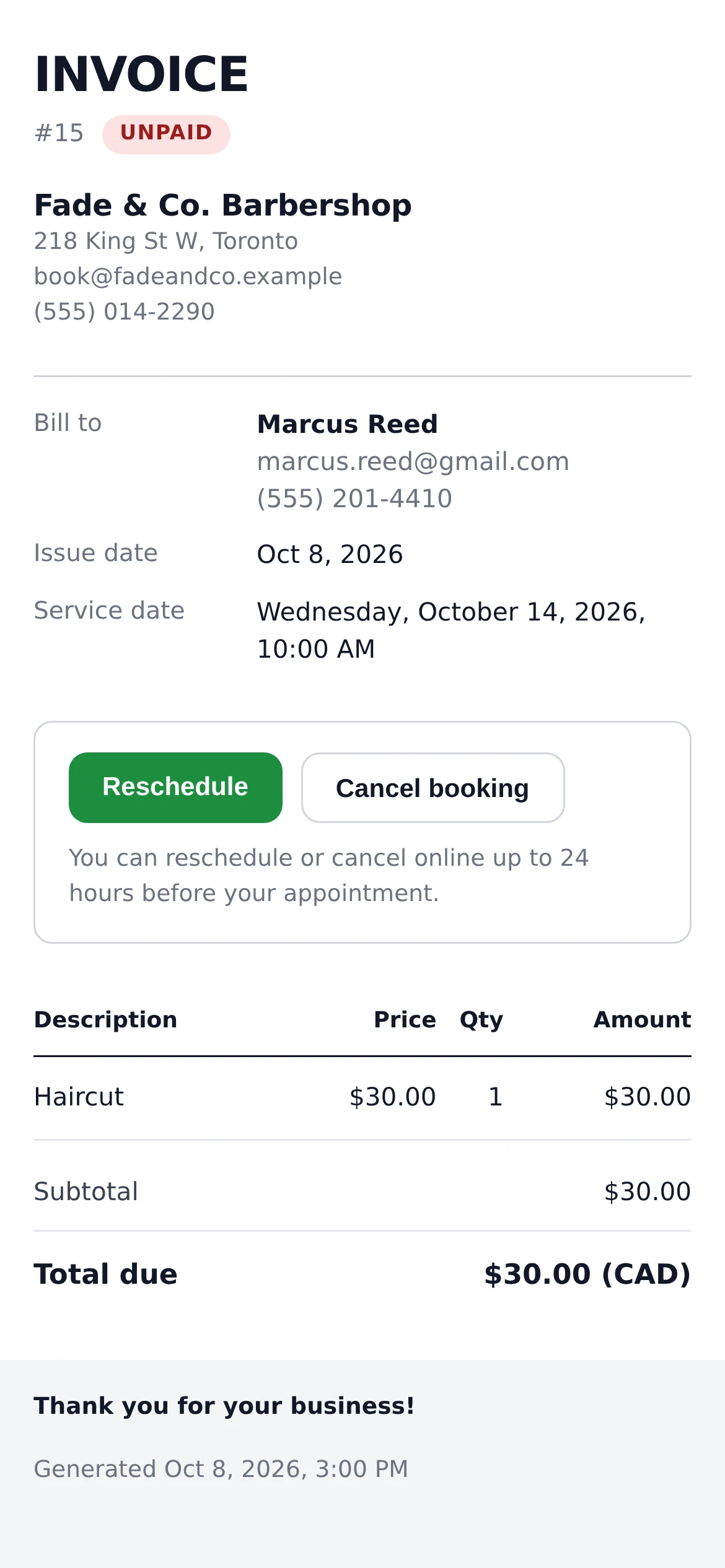
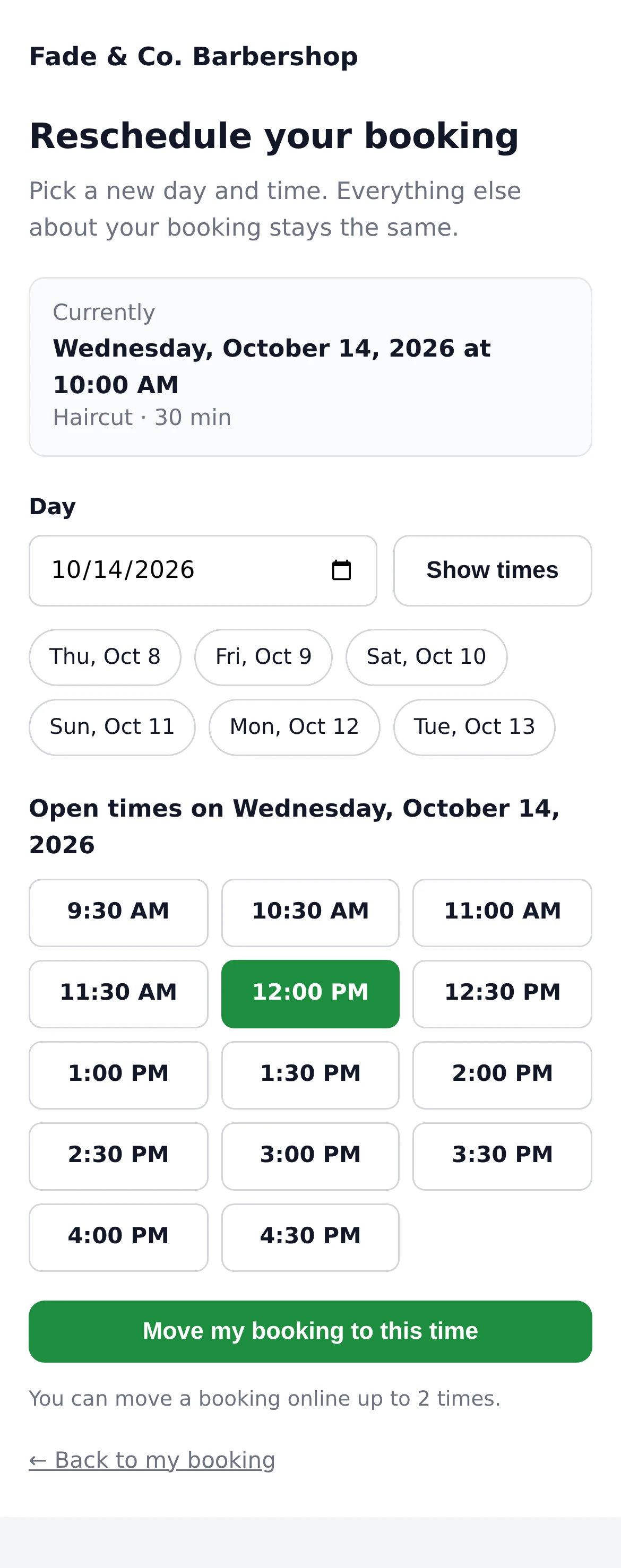
The client can only move to a time you'd accept a new booking for.
While your booking page is offline, online rescheduling is paused too - clients can still cancel.
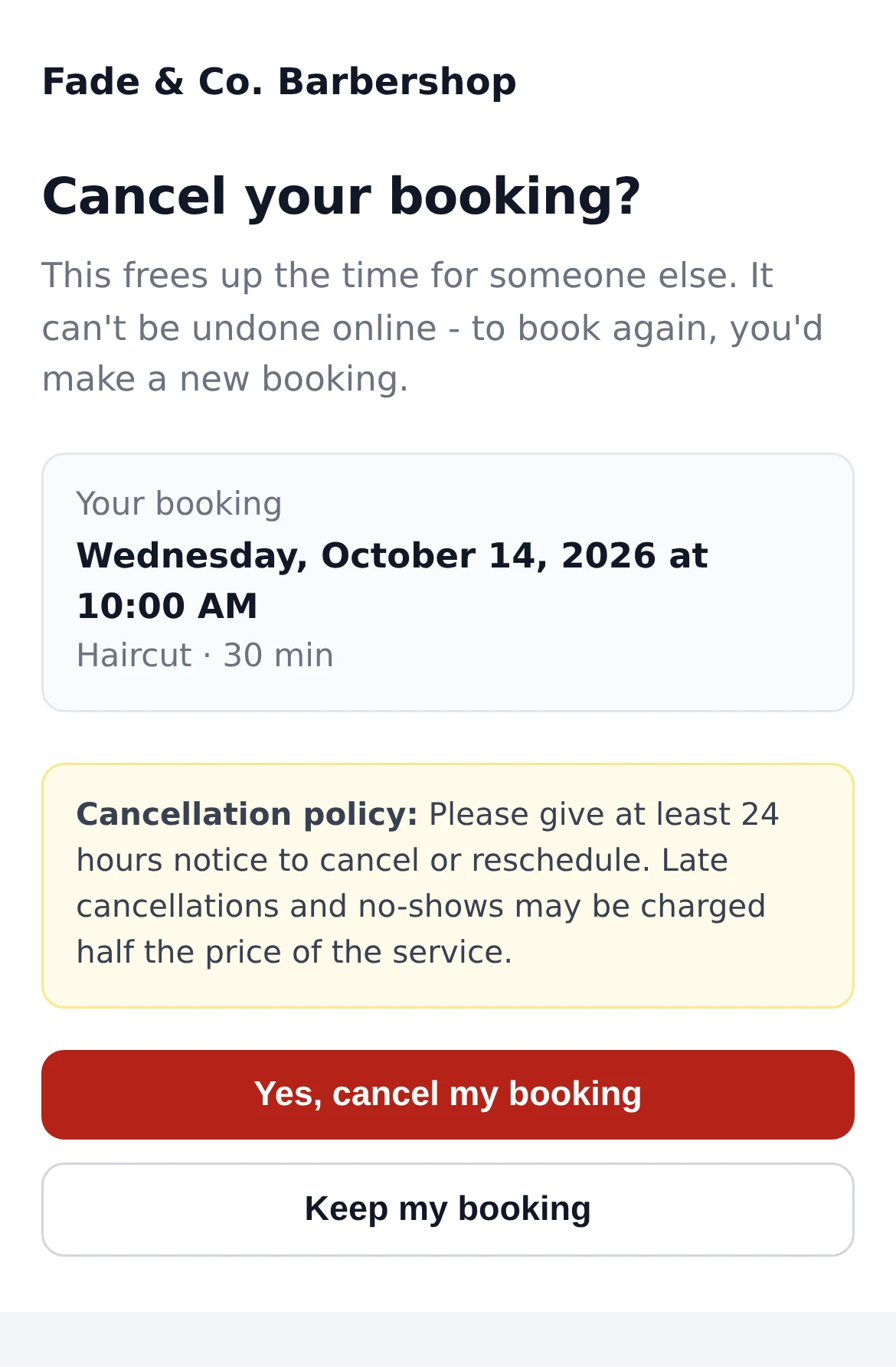
One tap to cancel, after reading your policy.
Choose what clients can do and how close to the appointment.
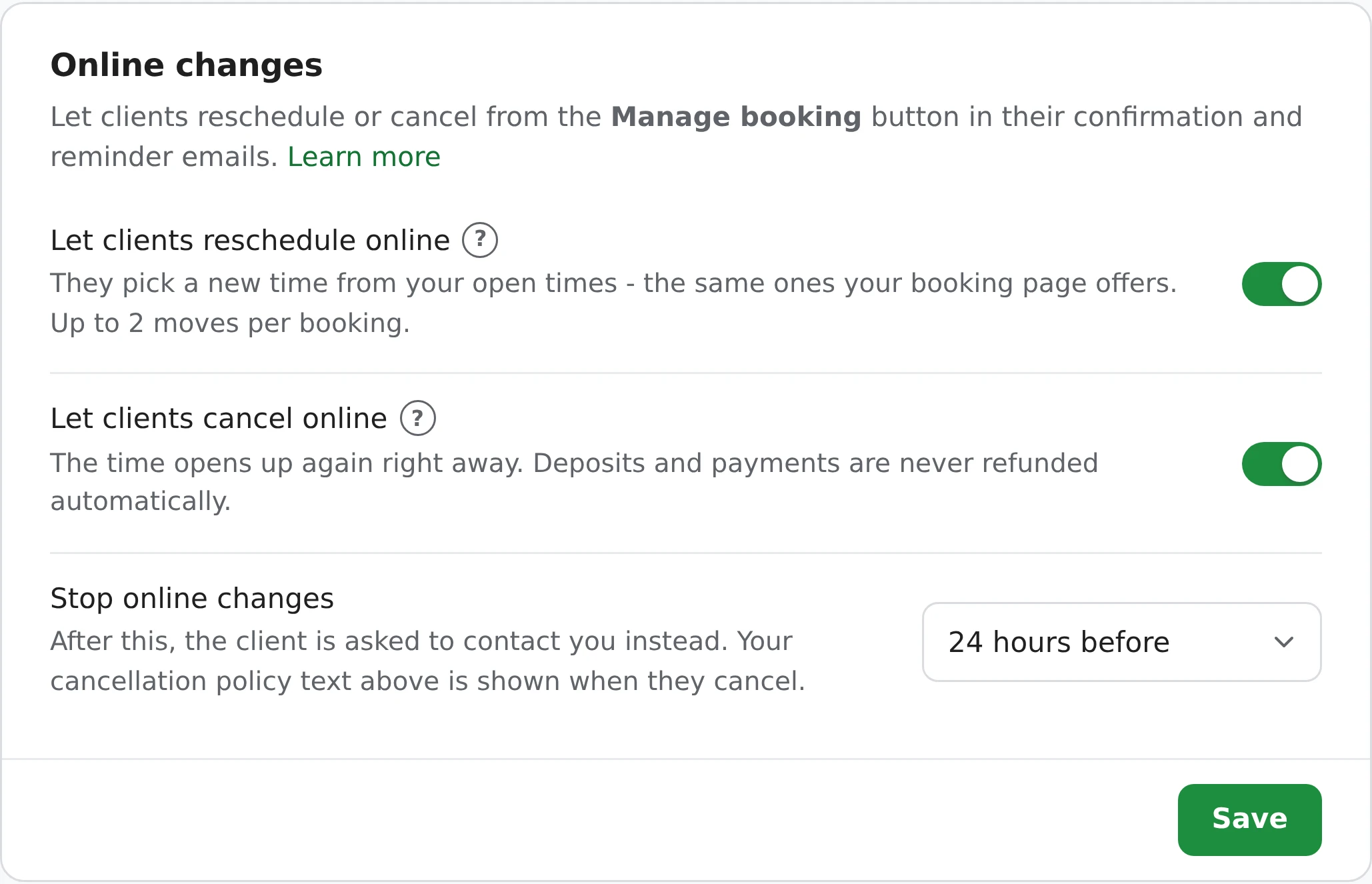
After the cutoff, the buttons are gone and the page says, for example: "Online changes close 24 hours before your appointment. To change it now, please contact" you, with your phone and email.
New accounts in the 19 business types that price everything up front - barbers, salons, trainers, tutors and the like - start with both switches on and a 24-hour cutoff. Other types start with them off.
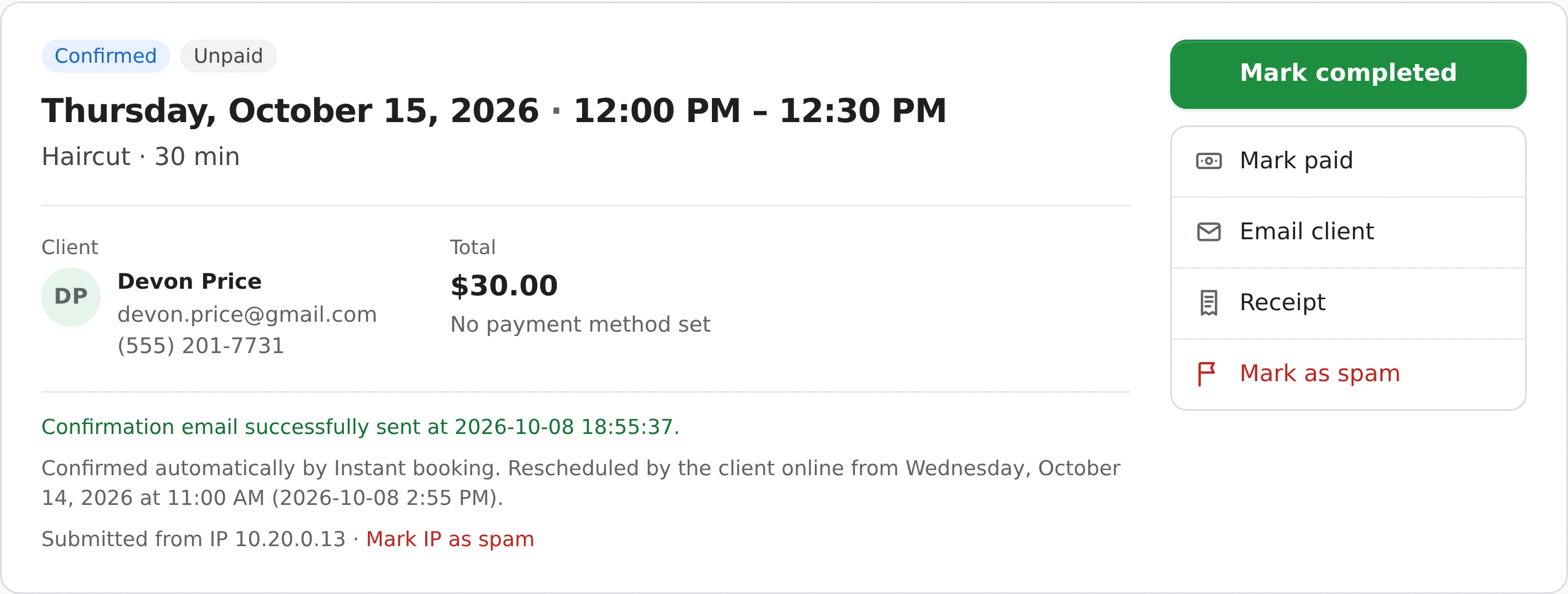
Each client's link is private and can't be guessed, and it's never shown in search engines. Opening it changes nothing, so email scanners that click links can't cancel anything. Every change is checked again before it's saved, and repeated tries are slowed down.
Full details are in the help center.
No. They only see times your booking page would offer for that booking right now - your hours, blackouts, notice, buffer and travel time all apply - and never a time another booking holds, a Pending one included.
Yes. Let clients reschedule online and Let clients cancel online are separate switches in Settings > Policies & terms.
Twice. After two moves, the client is asked to contact you.
Not automatically. A Stripe deposit or payment stays in your Stripe account, and the client is told you'll follow your cancellation policy. Your cancellation email says what they paid; to refund, open the booking and click its Stripe payment ID.
The Reschedule and Cancel booking buttons are gone, and the page asks the client to contact you, with your phone and email.
The link is private and can't be guessed, opening it changes nothing, and every change is checked again before it's saved. It only reaches the client through their own emails.
Online rescheduling and cancelling are free on every plan.
Works well with: Instant booking, Appointment reminders, Repeating bookings, Rebooking, Deposits.
Sign up here and pick your type of business in setup - your page starts set up for it. You can change anything later.